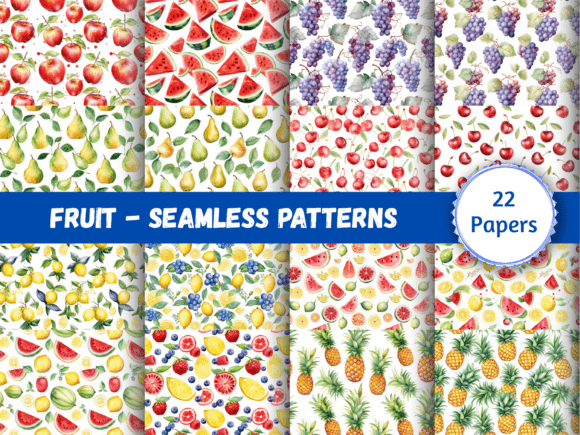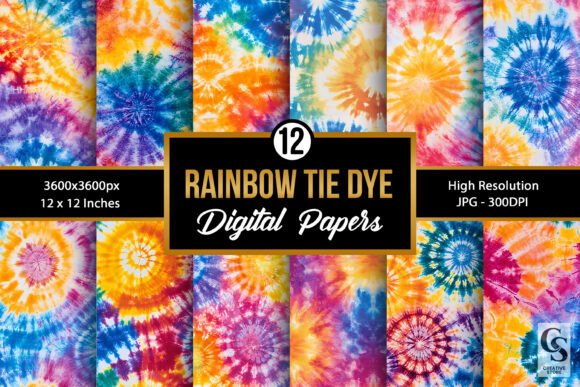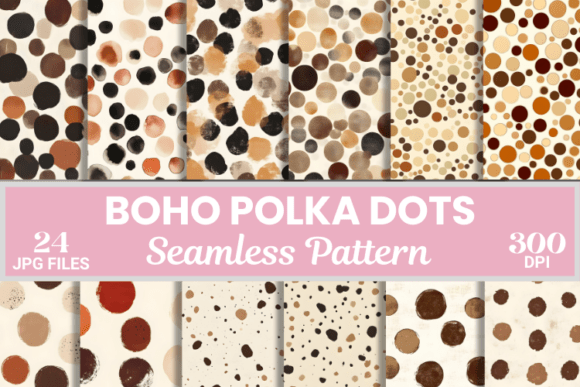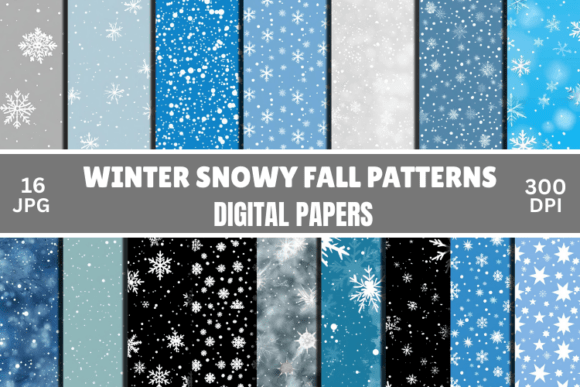
Seamless Digital Paper Patterns
Creating professional-grade designs does not require a degree in graphic design or hours spent manually tiling textures. For crafters, small business owners, and digital creators, the foundation of a polished project often lies in the background. This is where seamless digital paper patterns become an indispensable asset. A collection of high-quality, ready-to-use backgrounds can transform a simple card into a keepsake or a product mockup into a sales driver.
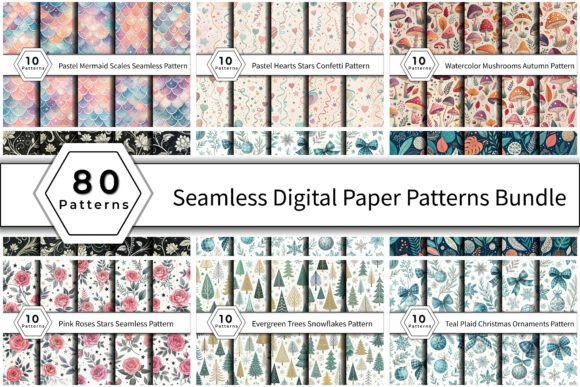
Consider a bundle that offers 80 distinct designs, ranging from pastel mermaid scales to rustic watercolor mushrooms. These assets are not just decorative; they are functional tools designed to save time while elevating aesthetic quality. However, not all digital papers are created equal. Understanding the technical specifications and practical applications of these files is crucial for avoiding common pitfalls that can compromise your final output.
Understanding Technical Specifications: Why Details Matter
When evaluating a digital paper pack, it is easy to focus solely on the visual appeal of the thumbnails. While color palettes and themes are important, the underlying file structure determines usability. Many beginners overlook critical metadata, leading to frustration during the printing or editing process.
One of the most significant factors is resolution. Professional print standards typically require a minimum of 300 DPI (dots per inch). If you attempt to scale up a low-resolution image, it will appear pixelated and blurry, ruining the professional finish you are aiming for. The ideal standard for this type of asset is a size of 12 x 12 inches at 3600 x 3600 pixels. This dimension aligns perfectly with standard scrapbooking formats and many print-on-demand requirements, ensuring that whether you are creating a physical album page or a digital invitation, the crispness remains intact.
Another often-misunderstood aspect is the format. Most of these patterns come in JPG format. It is vital to understand that JPGs do not support transparency. If you are designing a layout where you need the background to show through certain elements, a transparent PNG would be necessary. However, for solid backgrounds, invitations, and full-page prints, JPG is efficient and widely compatible. Ensure you are aware that these files have a solid background, which simplifies layering in software like Photoshop or Canva but limits certain compositing techniques.
Common Mistakes in Selection and Usage
Even with high-quality assets, errors in selection and application can derail a project. Here are several frequent missteps and how to avoid them.
Ignoring the Seamless Nature
The term "seamless" implies that the pattern repeats without visible borders. However, if you use a non-seamless image as a repeating texture, harsh lines will appear across your design. Before purchasing or downloading, verify that the provider explicitly states the patterns are tileable. When applying these in design software, always check the "pattern fill" or "tiled" options rather than simply stretching a single instance of the image, which distorts the proportions.
Overlooking Watermarks
A major red flag in digital asset marketplaces is the presence of watermarks. Using images with visible logos or text overlays is unprofessional and can damage your brand reputation. Always confirm that the files you are acquiring are watermark-free. A clean, professional finish is non-negotiable for commercial products, such as print-on-demand apparel or stationery sold to clients.
Mismatched Color Profiles
Digital screens use RGB color modes, while printers use CMYK. While most digital paper packs are optimized for both, subtle shifts can occur when moving from screen to print. If you are producing physical goods, order a test print before committing to a large batch. This step ensures that the teal plaid or pastel roses you see on your monitor translate accurately to the physical medium.
Practical Applications and Creative Versatility
The true value of a diverse collection, such as one containing 80 unique patterns, lies in its versatility. These assets serve multiple industries and creative needs.
- Scrapbooking and Card Making: Enthusiasts can use these patterns to create thematic pages. For example, a Watercolor Mushrooms Autumn Pattern adds a cozy, seasonal touch to fall-themed layouts, while Pastel Hearts Stars Confetti works beautifully for baby showers or Valentine’s Day cards.
- Invitations and Stationery: Formal events benefit from elegant textures. A Black White Floral Seamless Pattern provides a classic, sophisticated backdrop for wedding invites, whereas Teal Leaves Branches offers a modern, organic feel for corporate retreats or eco-friendly event branding.
- Print-on-Demand Products: Entrepreneurs selling mugs, tote bags, or phone cases need backgrounds that look good at various scales. The 12x12 inch size allows for easy cropping and scaling without loss of quality. Designs like Evergreen Trees Snowflakes are perfect for holiday merchandise, capturing the festive spirit instantly.
- Digital Marketing and Blogging: Content creators can use these patterns as headers, social media story backgrounds, or blog post dividers. Consistent use of specific patterns helps establish brand identity. For instance, a blogger focusing on nature might consistently use leaf-based patterns to reinforce their niche.
Evaluating Quality Before You Buy
To ensure you get the best return on investment, take a moment to review the following criteria:
- Resolution Check: Confirm the file is at least 300 DPI. Lower resolutions are suitable only for web use, not print.
- Format Compatibility: Ensure the file type (JPG) meets your workflow needs. If you need transparency, seek out PNG alternatives.
- Theme Variety: A good collection offers diversity. Look for packs that include seasonal variations (like Christmas ornaments), neutral tones (like black and white florals), and trendy aesthetics (like mermaid scales).
- Licensing Terms: Verify how you are allowed to use the files. Most digital papers allow for personal and commercial use in finished products, but some may restrict resale of the raw files themselves. Always read the license agreement.
Maximizing Efficiency with Ready-Made Assets
Using pre-designed seamless patterns accelerates your workflow significantly. Instead of spending hours trying to create a perfect tile or hunting for free resources that may lack quality, you gain immediate access to professional-grade textures. This efficiency allows you to focus on the core aspects of your project—composition, messaging, and branding.
For small business owners, this means faster turnaround times for client projects. For hobbyists, it reduces the barrier to entry, allowing beginners to produce work that looks professionally made. By choosing a comprehensive bundle, you future-proof your creative toolkit, having a wide array of options available for any theme or season.
In conclusion, investing in a high-quality set of seamless digital paper patterns is a strategic move for anyone serious about visual content creation. By paying attention to technical details like resolution and format, avoiding common usage errors, and selecting versatile designs, you can enhance the quality of your crafts, products, and digital media. Whether you are crafting a heartfelt gift or launching a new product line, these assets provide the polished foundation needed to bring your creative vision to life.